

In this video we run through the new Baldrick Controller from iLightThat…
Setup FPP v8 on a Pi5 with NVMe
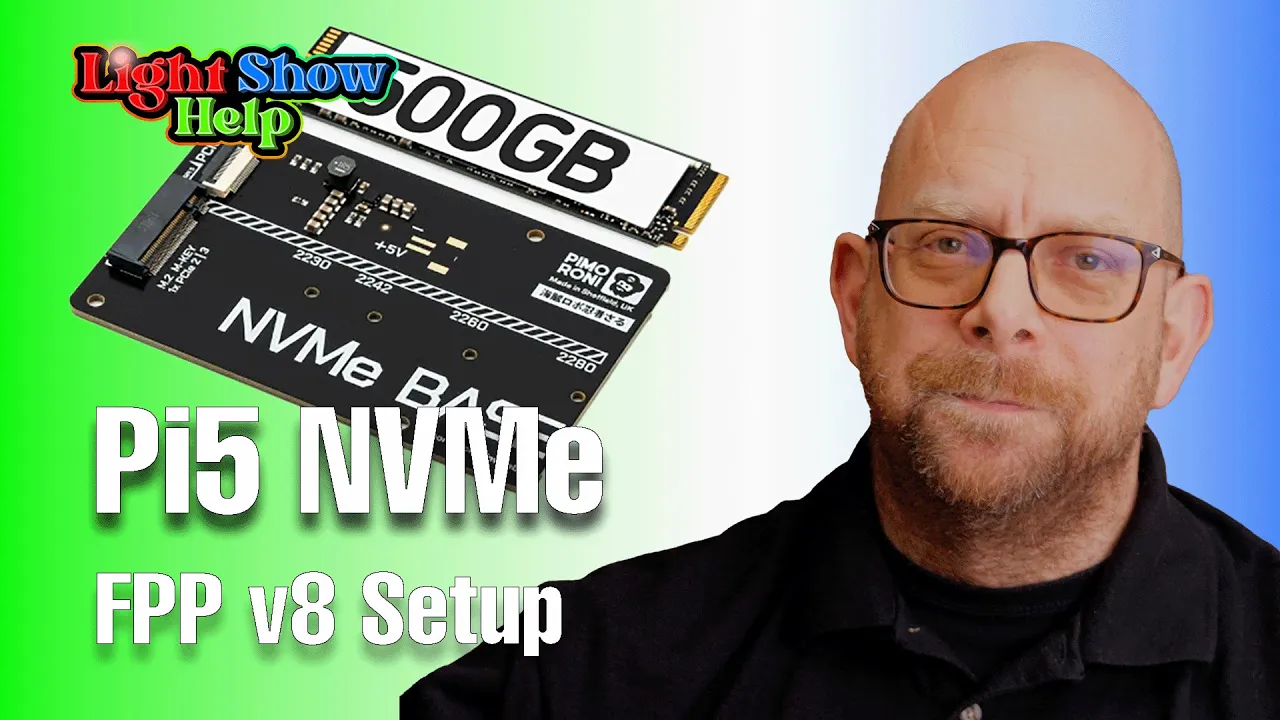
How to add an NVMe Solid State Disk (SSD) to a Raspberry Pi 5, copy fpp to it & then its bye bye to the SD Card ! Base & NVMe Bundle from: https://shop.pimoroni.com/products/nvme-base space If you found this useful, consider helping the channel:
Install FPP v8 using Raspberry Pi Imager
Here we run through downloading Raspberry Pi Imager and then using it to write a fresh instance of FPP to an SD Card.This works for both Raspberry Pi and Beaglebone Black (BBB) as both images are available.We download & setup Imager, select and install the image, boot the Raspberry Pi & run through inital setup.