
Pixel Power Injection

Pixel Power Injection

If you’re running a good length of pixels in a single run, such as right across the house, then you’re going to struggle with getting power to more than ~200 pixels.

What is the optimal way to get power to the far end of the string in the safest manner when using a second power supply?

We cover these questions and more in this weeks guide… finishing up with a practical demonstration.

Using a Video File on an FPPv9 Virtual Matrix

Using a Video File on an FPPv9 Virtual Matrix

In this weeks video we’re adding on to last week where we learnt about setting up a Virtual Matrix in FPP v9 on a Raspberry Pi.

We run through how you play a video file instead of matrix (fseq) data when using your main (master) FPP instance and then do a similar but slightly differrent setup if you’re using a remote Pi to run your Matrix.

FPP v9 Proxy Setup & Configuration

FPP v9 Proxy Setup & Configuration

Sometimes its not possible to run an ethernet cable from your home router to your show in the front yard…
In this video we run through setting up a Proxy in FPP v9.
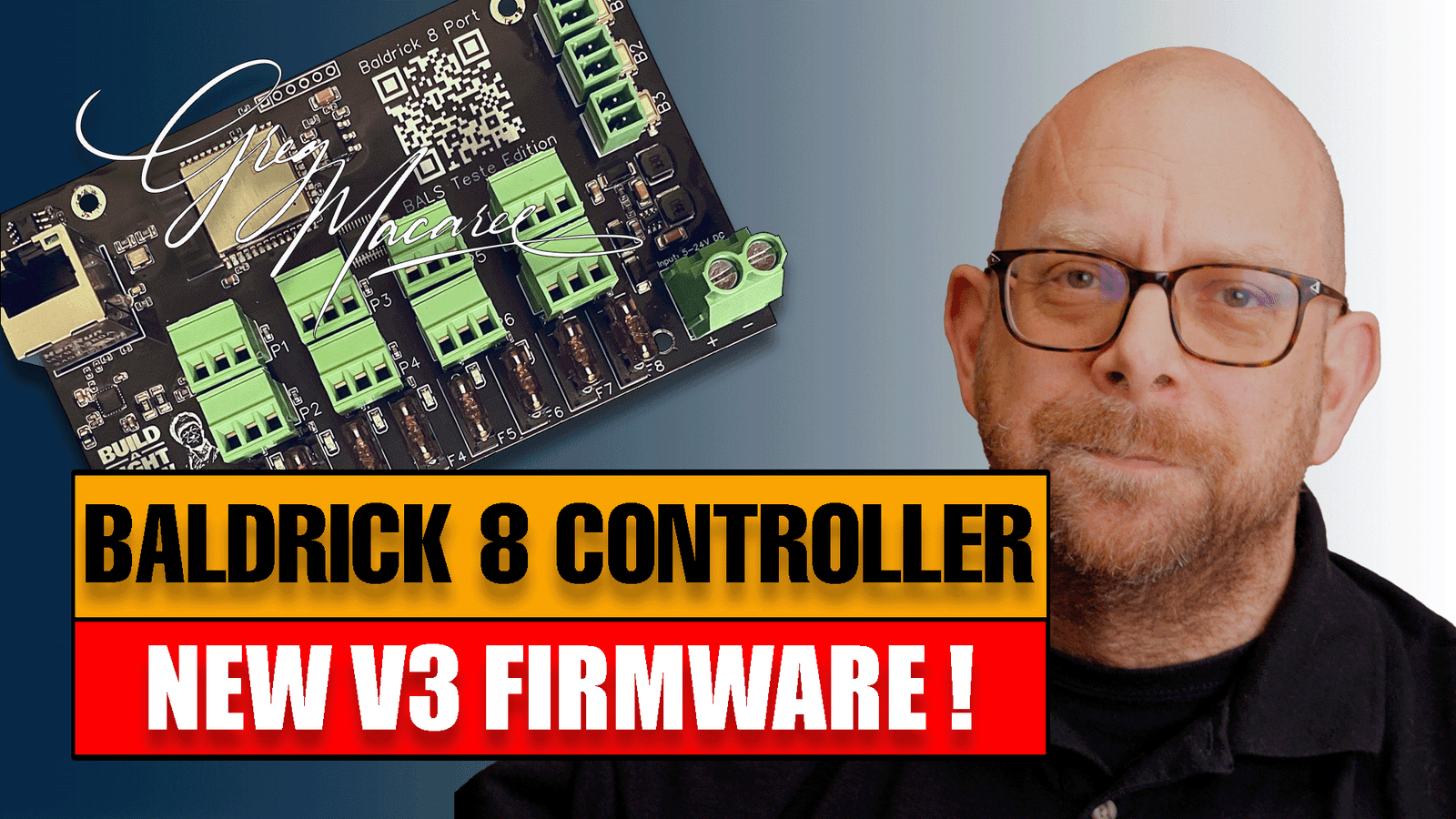
The Pi connects to your home wifi network, and the controllers are then wired to the pi. We then setup a new Baldrick controller in xLights 2025.6, push the config to the Baldrick and FPP and then test in FPP.

Setting up buttons for audience interaction with our show

Setting up buttons for audience interaction with our show

In this weeks video we demonstrate how to add a button to a Raspberry Pi running FPP v9 to allow our audience to interact with our show and start a sequence – or more.

We also run through how a seond Pi or BBB could be used as part of a podium, so users could chose one or multiple different sequences on a portable device that can put away after show time.

Scroll to Top