
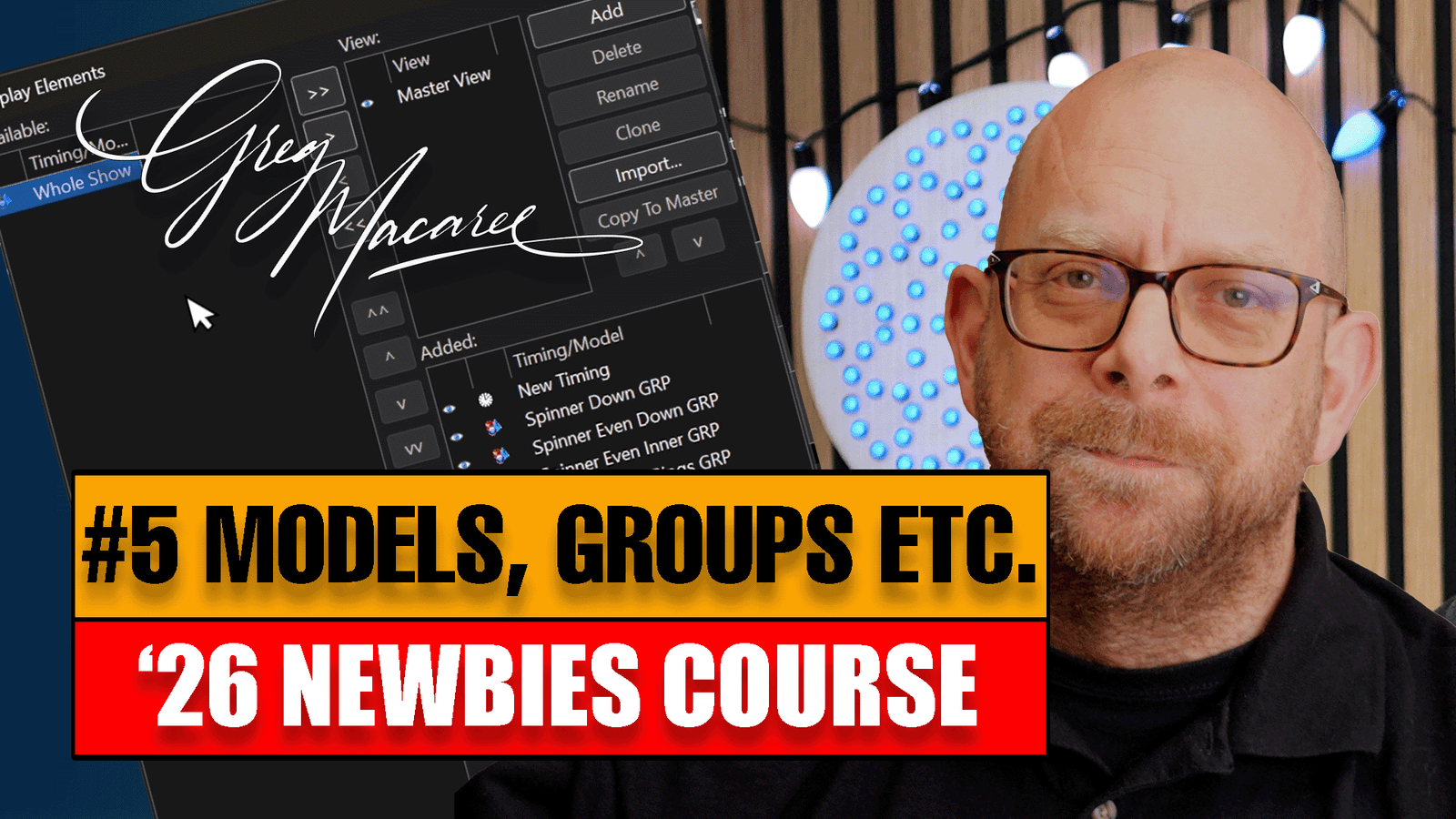
This week we continue with our layout – taking a look at xLights models, sub-models & groups – running through each & explaining why they should appear in a certain order. I also fix a problem with my string of fairy lights running the wrong direction!
Testing the new Colorlight E80 Receiver card with LEDVision & FPP
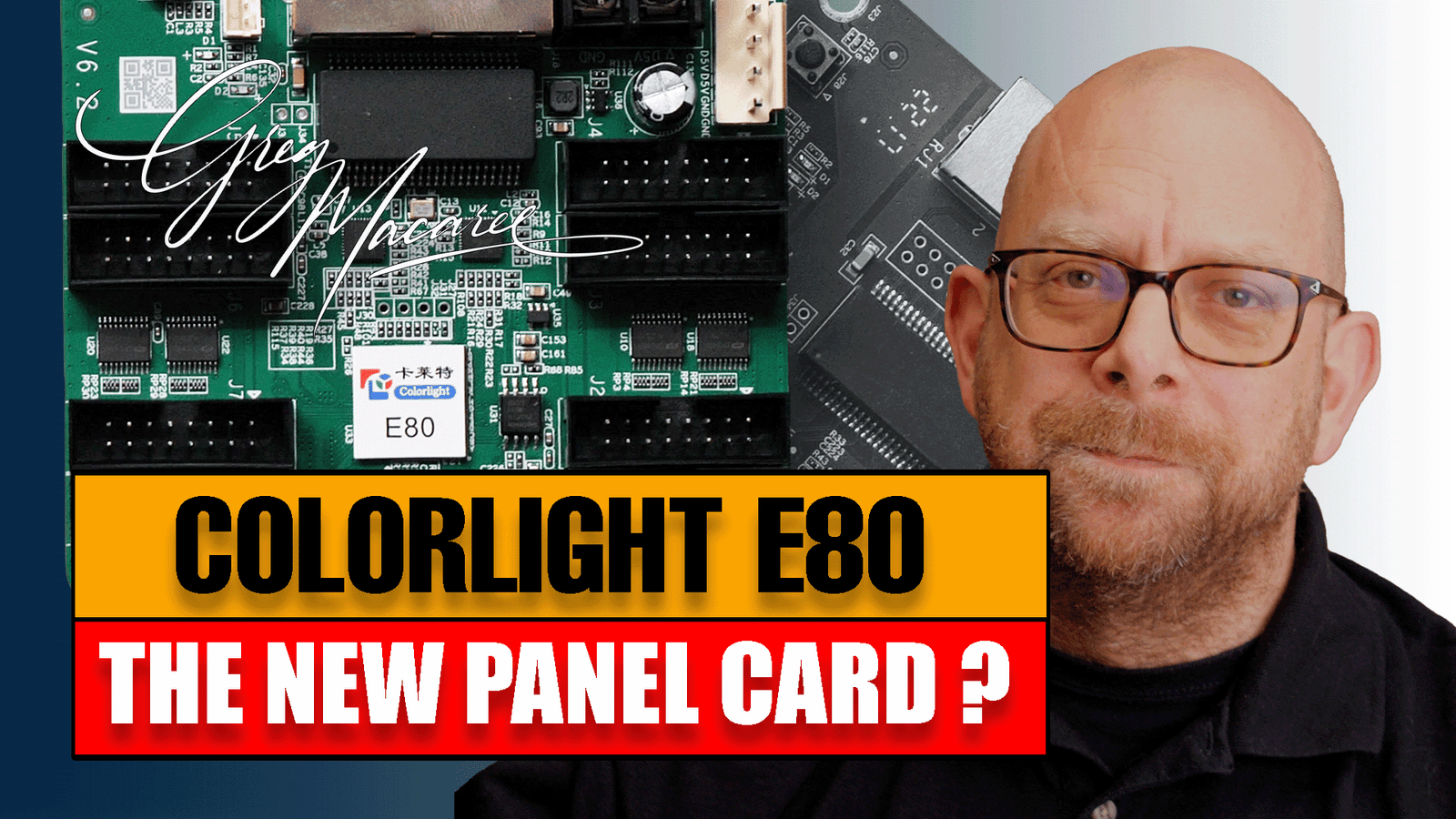
This week we test the new Colorlight E80 Card with LEDVision 8.6 and FPP v9.5 and get it up & running.
We have a couple of mintor hiccups, but get it all up and running buy the end of the video,
Beginners Course ’26 #004 – Adding Multiple Controllers in xLights
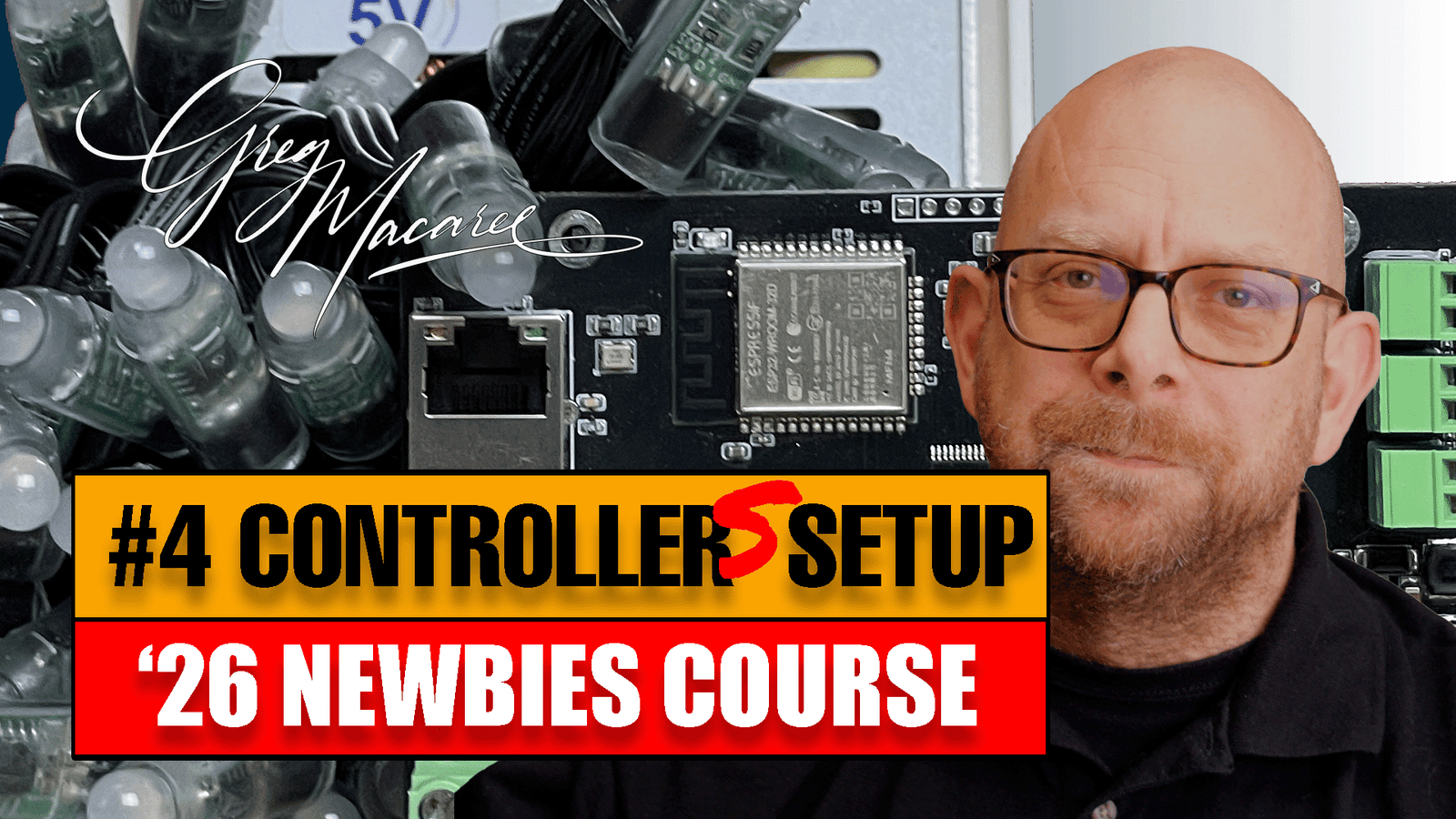
After last weeks video on setting up a new controller in xLights, a few folks asked how you go about adding multiple controllers in xLights. All covered this week.
Beginners Cource ’26 #03 – Setup a Controller in xLights
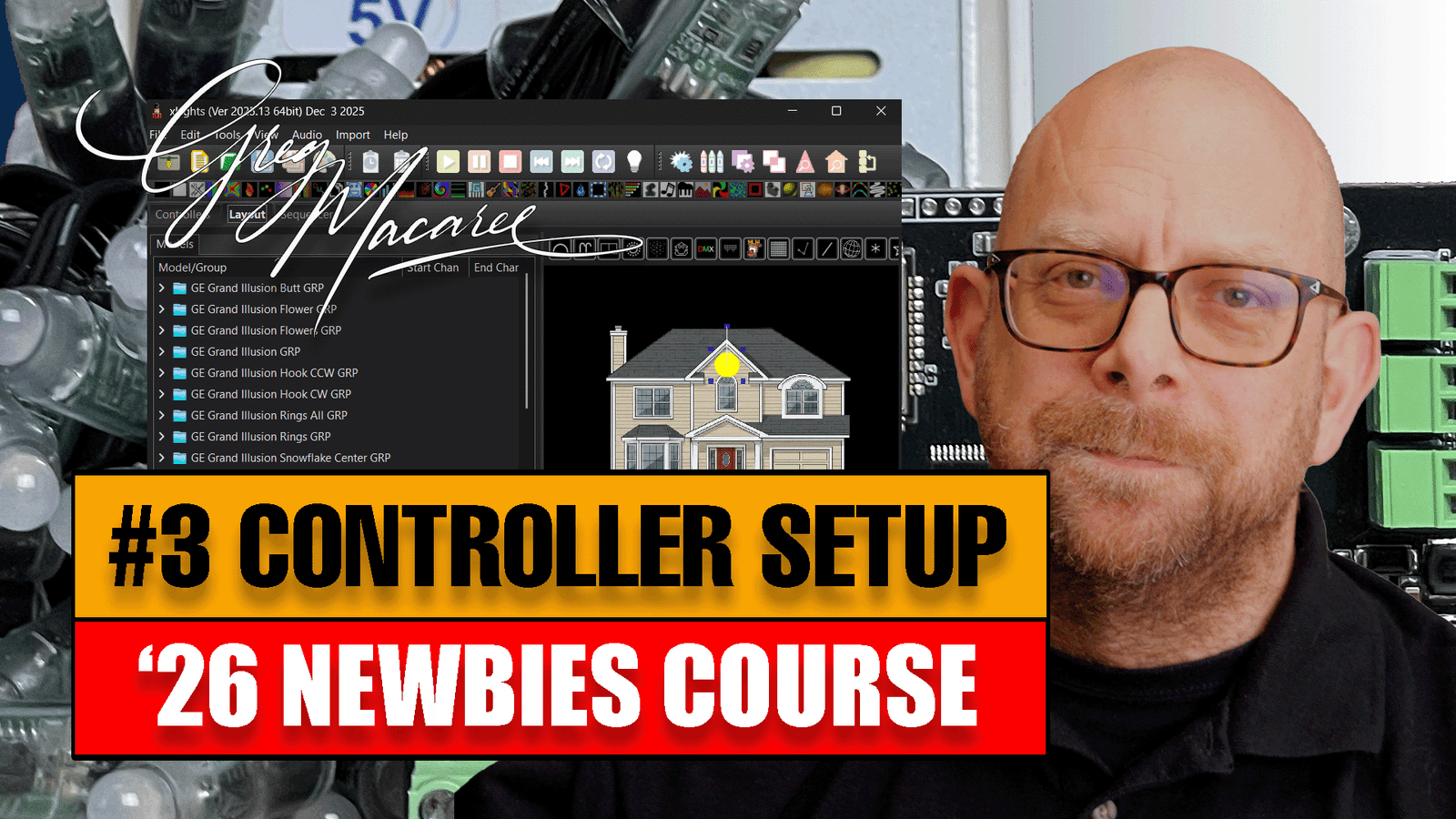
This week we take the layout we setup in Week 2 & start allocating strings to controller ports, push the config to the controller and test !
Thanks to Build a Light Show ( https://buildalightshow.com ) for sending me the Baldrick 8 Controller and Build Kit used in this video.
Beginners Course ’26 #2 – xLights Intro
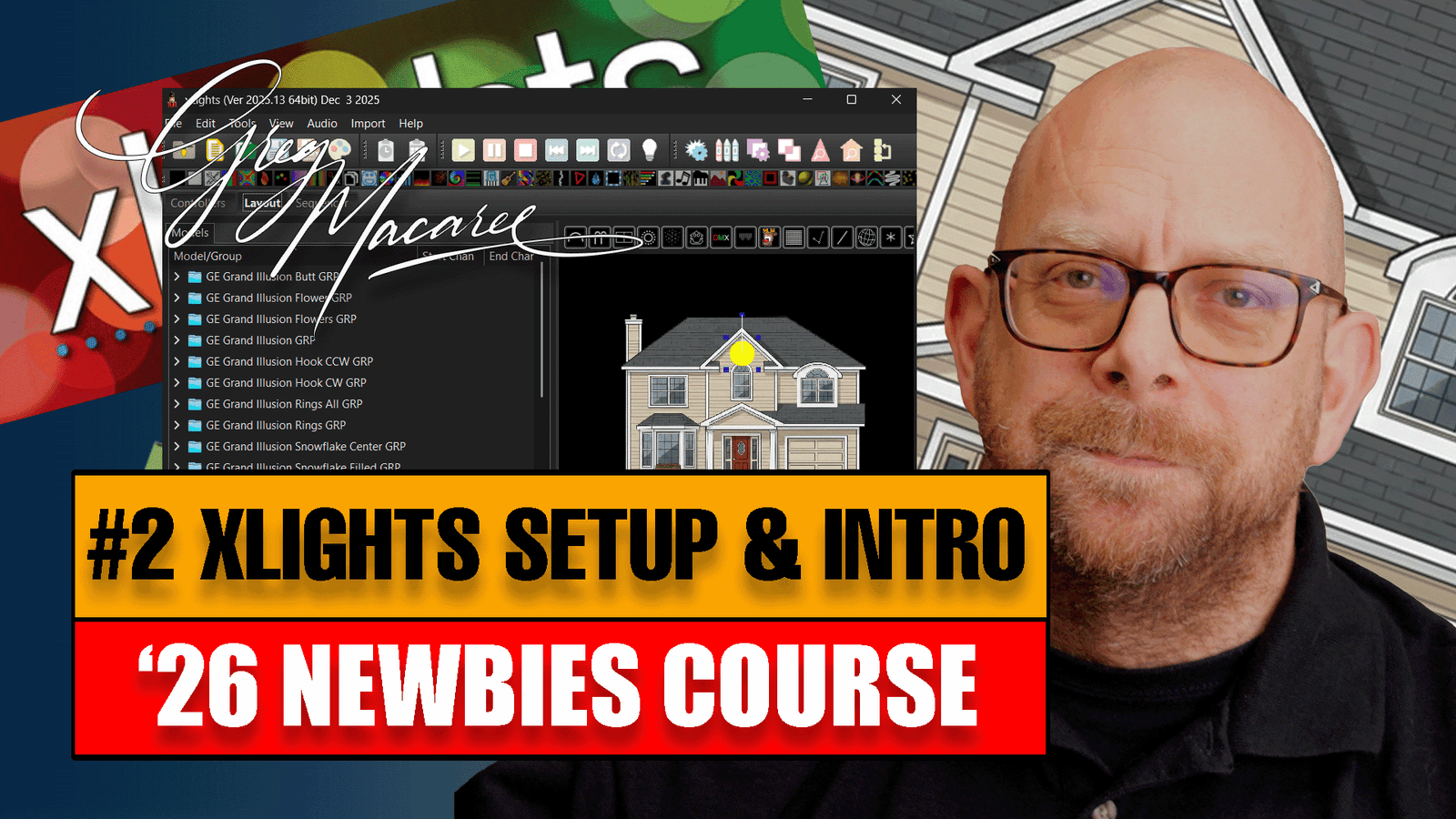
In our first look at xLights for ’26, we install the software (and QMVamp Plugins) then take a quick look at the three main tabs, Controller, Layout & Sequencer.
We then import an image of a house to help design our layout and finish up by starting to add some props.
Setup a new SD Card for FPP with Raspberry Pi Imager v2 and FPP v9.5.1
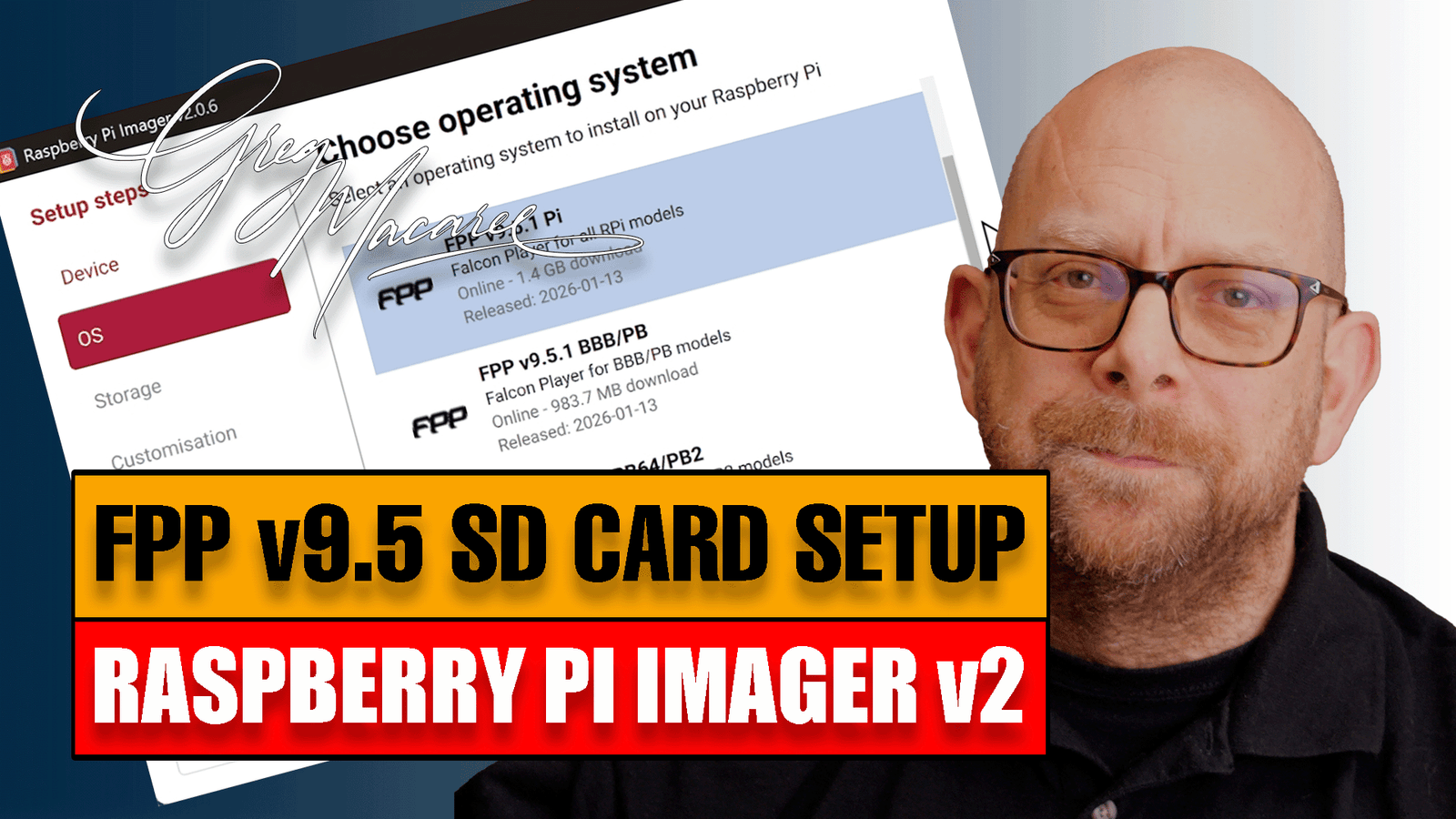
In this video we run through how to setup a Micro-SD card with FPP v9.5 for Raspberry Pi & Beaglebone Black.
Although this topic has been covered before, the Raspberry Pi Foundation recently updated their imager software & the differences have tripped a few folks up.
Beginners Course ’26 – #1 What do I need ?
This starts the new ’26 Training Course to help you get up & running in pixel lighting ready for the 2026 autumn season (Halloween and Christmas). Over the next 20ish weeks we’ll take you from Zero to Hero so you’re proficient and ready to take on your own show.
It’s a Wrap! – the end of the year – Well done everyone!

A quick wrap-up show for the end of the year…
I’ll be back on the 18th Jan with a new starter series to get the newbies up & running.
Have a great Christmas & New Year with family & friends and don’t forget to like, share subscribe – and tick that notifications bell so you know when we get going again!.
Merry Christmas!
Greg
Native 12v volt pixels for bigger props ?
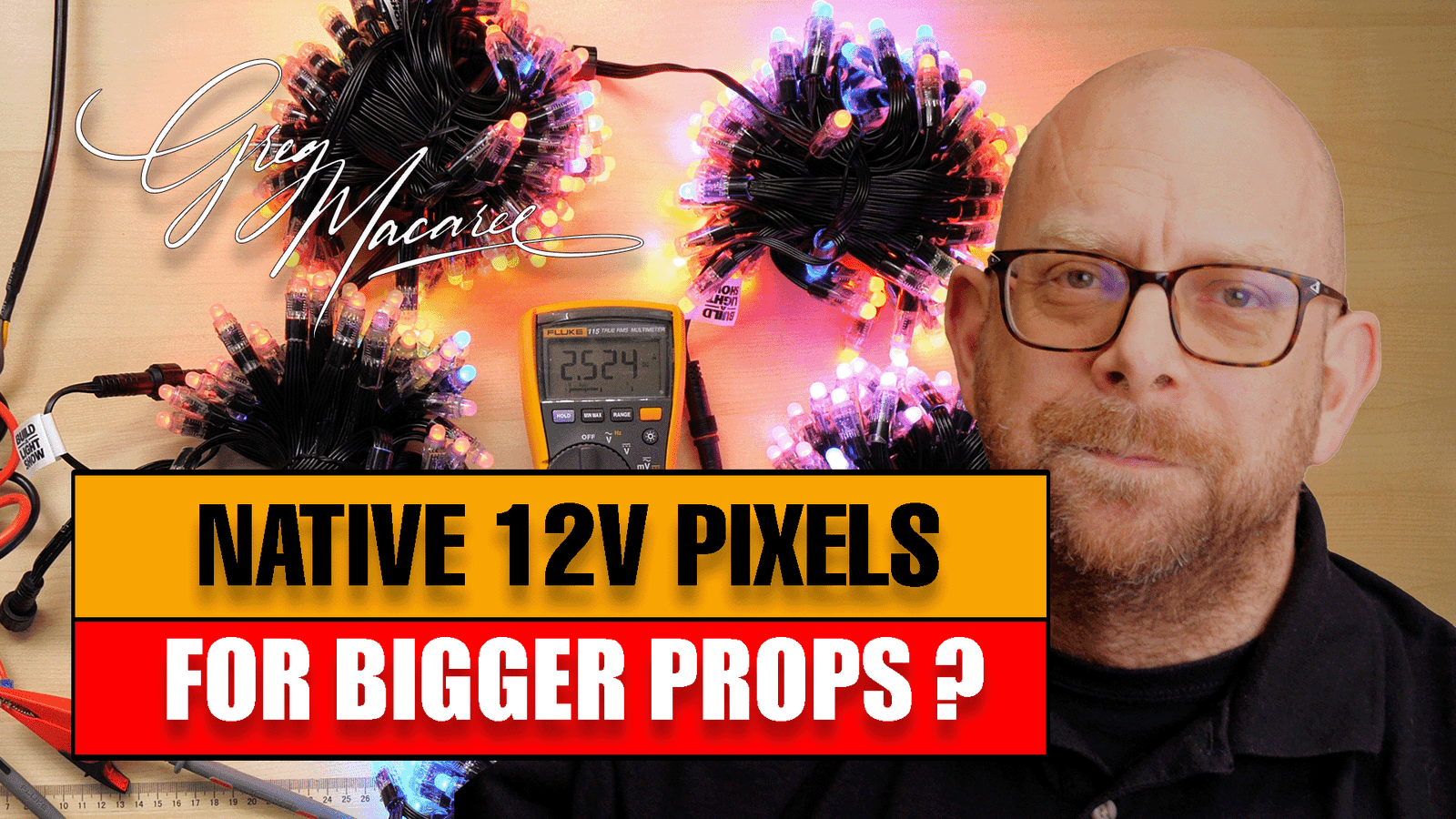
If you’ve bought a new HD prop and are struggling with power distribution around the prop, then 4-Wire GS8208 Pixels might be the answer.
We look at the current utilisation between legacy WS2811 Resistor pixels vs the 4-wire versions and then setup a 500 node string using power balancing to complete the setup.
DNS – Domain Name System & xLights
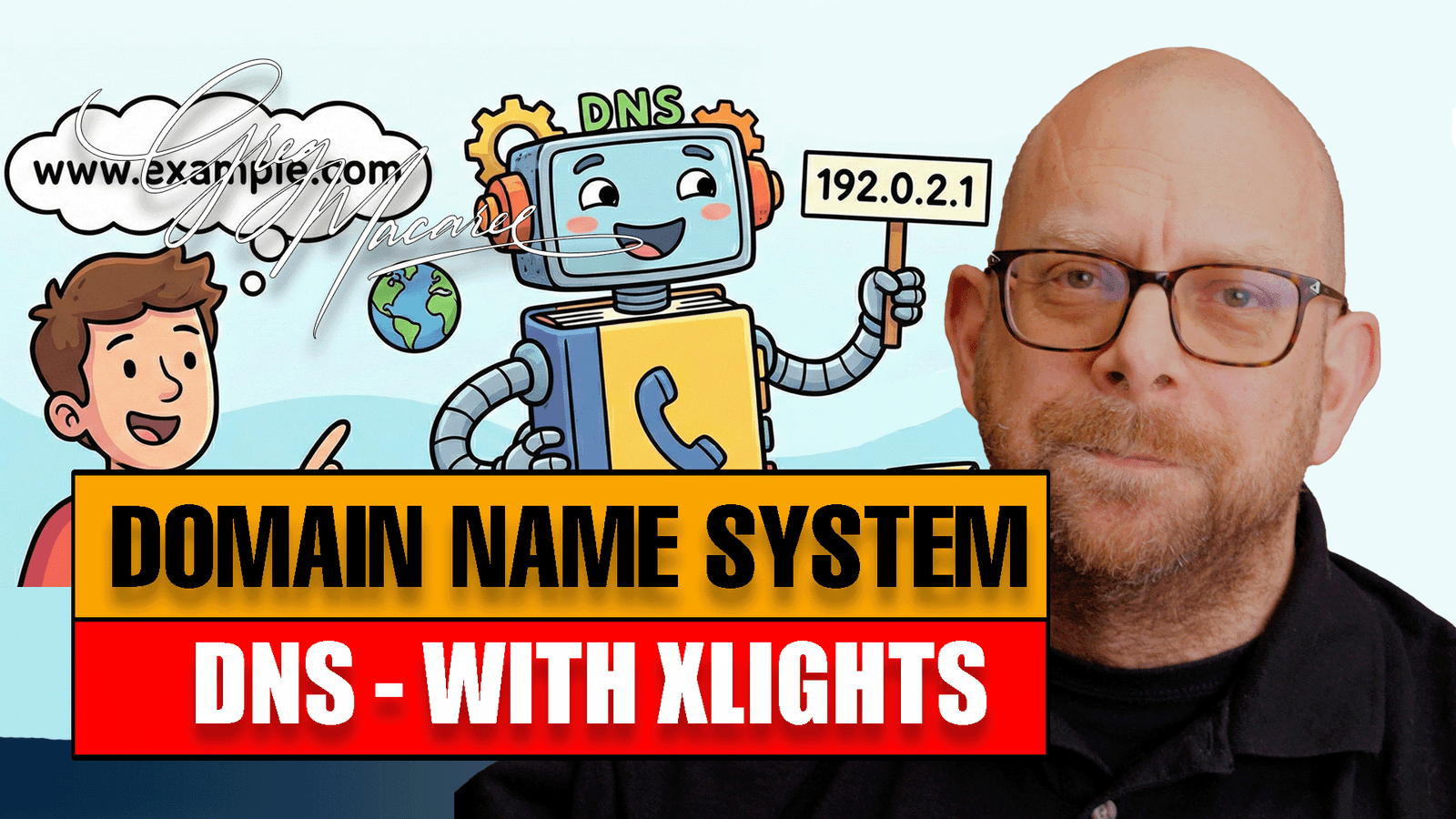
Hey everyone, and welcome! Ever wonder how you type in https://www.google.com/and your computer instantly knows where to find Google’s massive server? It’s not magic, it’s the DNS—the Domain Name System! Think of it as the internet’s phonebook. In this video we discuss how it works and how in might be useful in your show setup.